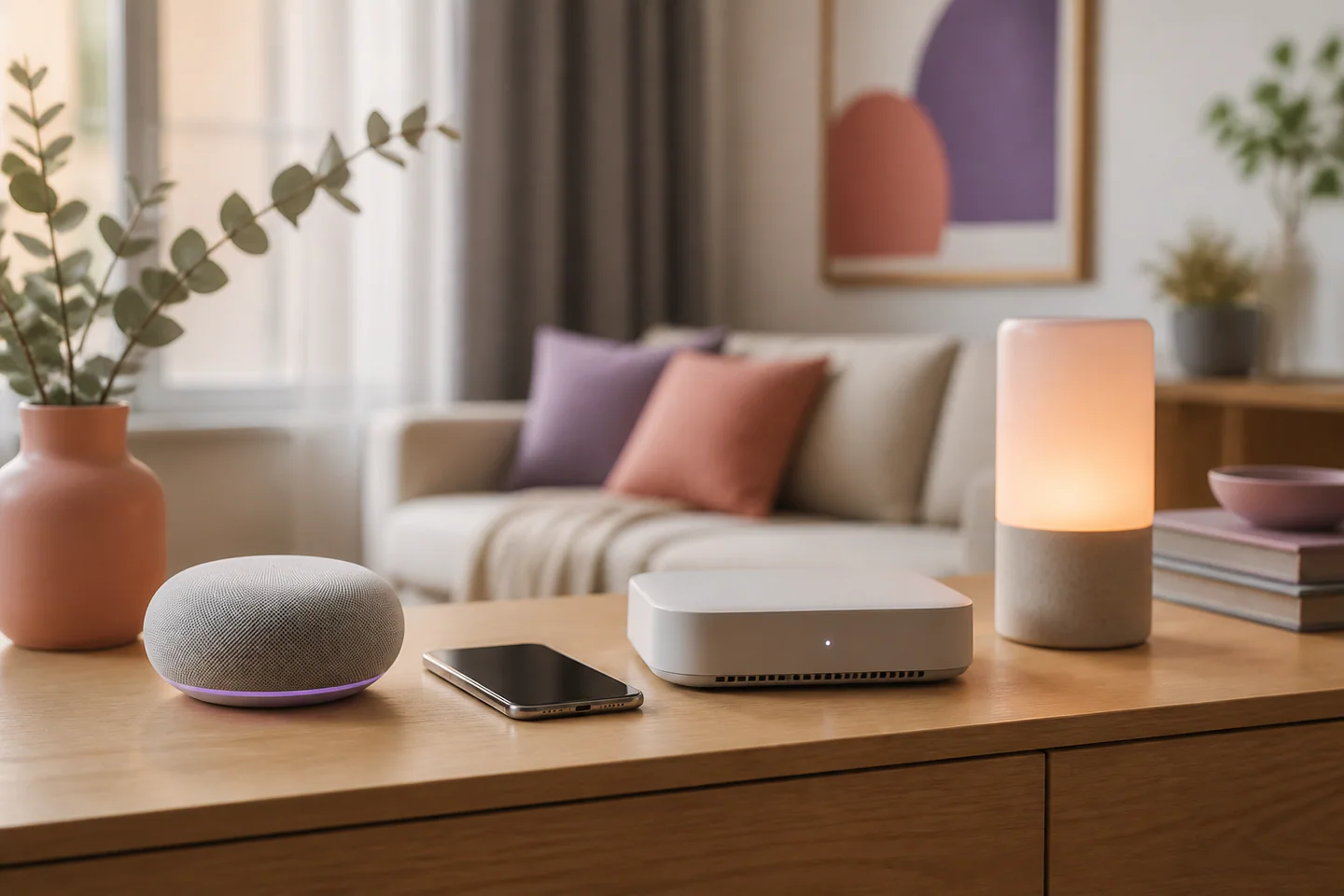
A connected speaker can play music, answer short questions and control household devices, but the speaker itself is only one part of the purchase. The more important decision is the ecosystem that will manage accounts, permissions, routines and future devices. A good choice therefore starts with real household needs and ends with a clear exit plan. Sound quality and appearance still matter, but they should not hide dependencies that can make a simple product frustrating over time.
Start with the jobs the speaker must perform
Write down the three or four actions that would justify having the speaker. They might include setting kitchen timers, listening to radio, controlling lights, making hands-free calls or helping a person with limited mobility. Separate frequent actions from occasional experiments. If music is the main purpose, prioritise speaker placement, balanced sound at normal volume and reliable access to the household’s preferred library. If home control is central, device compatibility and local fallback deserve more weight.
Consider who will use it. Voice recognition, child profiles, guest access and accessibility options can affect the whole household. A system that works beautifully for one administrator may become awkward when several people need their own calendars, playlists or reminders. Check whether personal results can be restricted and whether a visitor can use basic functions without gaining access to private information.
Map the devices and services already in the home
List the phones, computers, televisions, lights, plugs, heating controls and audio services already used. For each item, note whether the connection is direct, requires a hub or depends on an online account. A compatibility badge is only a starting point: it does not guarantee that every feature is available through voice control or automation. Look for the exact commands and states supported, including brightness, temperature, scenes and status feedback.
Avoid adding a new platform for a minor convenience. Each additional account creates another password, privacy policy and potential point of failure. When two options satisfy the essential tasks, the one that fits the current setup with fewer bridges is usually easier to maintain. Open standards can improve flexibility, but implementations still differ, so actual functions must be checked rather than inferred from a logo.
Examine privacy controls before installation
A connected speaker contains microphones designed to wait for a wake phrase. Review the physical microphone control, the visual or audible recording indicator, voice-history settings and deletion options. The most useful controls are easy to reach and understandable to everyone in the room. A hardware mute button is valuable when it gives an unambiguous state instead of relying only on an application setting.
Check which requests are stored, how long they remain available and whether recordings can be deleted automatically. Personalised answers may require access to contacts, location or calendars, but those permissions should match a real use. Begin with the minimum set and add access only when a feature proves useful. Place the speaker where accidental activation is less likely and explain its controls to guests and family members.
Test daily reliability, not demonstration features
Useful tests include understanding voices at ordinary distance, hearing commands while music is playing, reconnecting after a router restart and completing common actions without repeated wording. If the speaker controls essential equipment, find out what still works when internet access is unavailable. A wall switch, thermostat or lock should retain a dependable manual method. Cloud-only routines can be convenient, but they add latency and a service dependency.
For audio, compare speech clarity, low-volume balance and coverage in the intended room rather than maximum loudness. Stereo pairing and multi-room playback may require identical or recent models. Confirm whether those arrangements can survive a future replacement and whether each person can start playback from the devices they already own.
Include support and exit costs
A connected speaker is also a software product. Look for a credible update history, straightforward account recovery and documented factory-reset steps. Check whether household members can be removed, personal data exported or deleted, and the device transferred safely to another owner. If a service is discontinued, basic audio connections or local controls may preserve some value.
Compare total cost across the intended period: the speaker, optional hub, paid audio plan, accessories and any devices replaced to gain compatibility. The strongest option is not the one with the longest feature list. It is the one that completes the household’s priority tasks, keeps privacy controls visible, fits the existing setup and remains understandable when something changes.