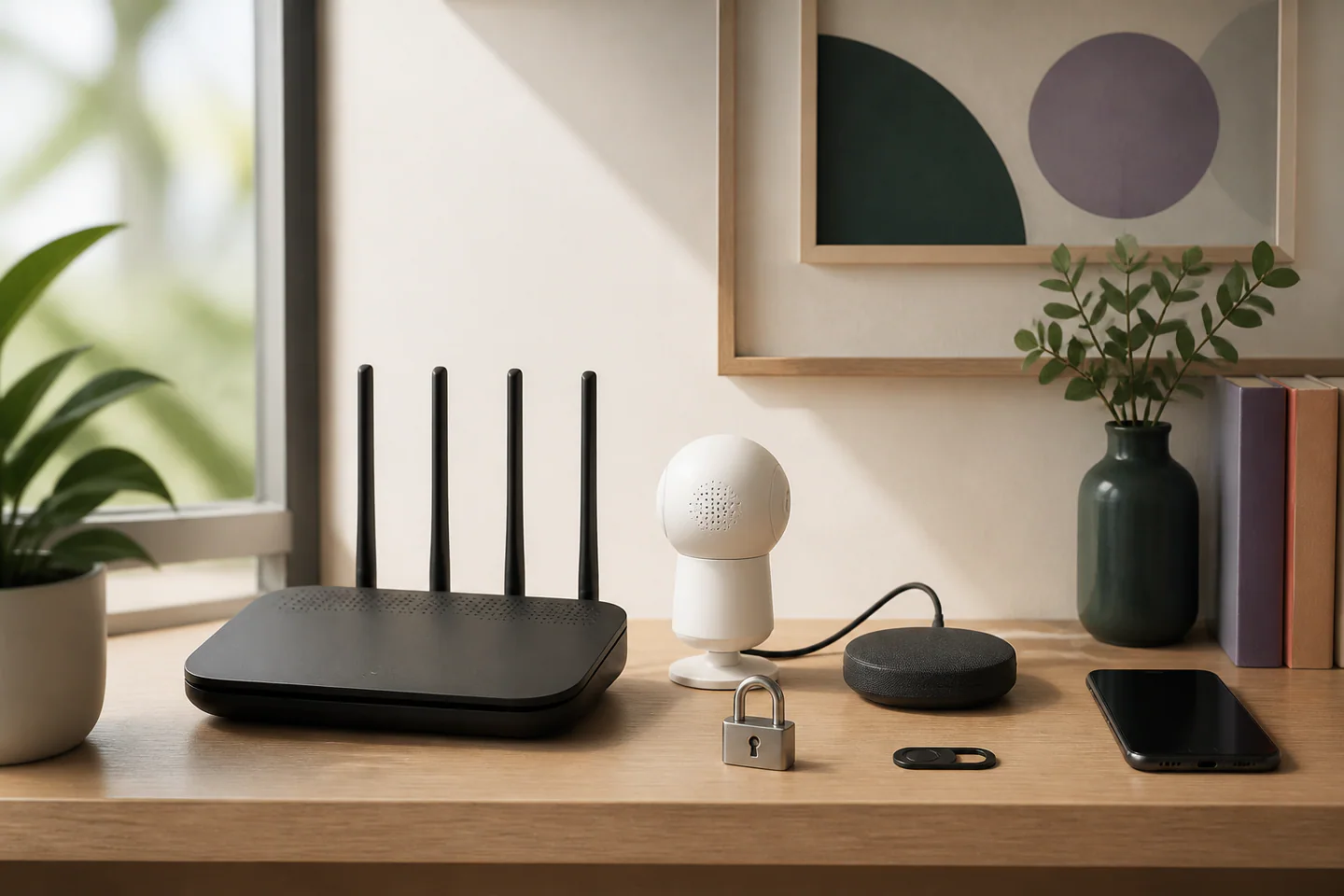
Connected lights, cameras, speakers and sensors are small computers placed throughout the home. Their security depends less on a single advanced setting than on a repeatable routine: knowing what is installed, protecting accounts, applying updates, limiting permissions and removing devices correctly. This approach is accessible to a household without specialist knowledge and gives each action a clear purpose.
Keep a simple device inventory
Create a list containing the device name, room, administrator, application, account, purchase date and last update check. Add the reset method and any recovery code. The inventory prevents forgotten products from remaining connected after they are no longer used. It also makes router changes, moving house and support requests much easier.
Include hubs and bridges, because one of these devices may control many others. Record who has physical access and who has application access. Review the list every few months and whenever a resident, phone or network changes. If a device cannot be identified or its account cannot be recovered, isolate it until ownership and update status are understood.
Protect the accounts that control the home
Use a unique password for each important platform and enable an additional verification step when available. A password manager can create and store long credentials without requiring people to memorise them. Protect the email account used for recovery at least as carefully, because control of that mailbox can allow another person to reset several household services.
Give each resident an individual profile instead of sharing the administrator password. Assign only the access needed for daily tasks. Periodically review invited users, old phones and active sessions. Remove access promptly when it is no longer required. Recovery codes should be stored securely outside the connected application so that a lost phone does not lock the household out.
Update devices and applications deliberately
Enable automatic security updates when the maker provides a clear and reliable option. Otherwise, add a recurring reminder to check the application, hub firmware and device software. Read release information when an update affects privacy, recordings, account access or compatibility. Do not postpone a security fix indefinitely merely because the device still appears to work.
Updates can occasionally change settings. After a major update, confirm that the microphone, camera, notifications, user permissions and recording choices still match household expectations. If support has ended, evaluate the device’s role. A discontinued decorative light is not the same risk as an unsupported camera or lock. Replace, isolate or restrict products according to the potential impact.
Reduce unnecessary permissions and exposure
Review application access to location, contacts, microphone, camera and local-network discovery. Grant a permission when it enables an intended function, not simply because the setup screen requests it. Disable unused integrations and remove routines that no longer serve a purpose. The fewer services connected to an account, the easier it is to understand unexpected activity.
Use the router’s current security mode and a strong network password. A separate guest or device network can limit communication where the router supports it, but separation must not break essential local controls. Avoid opening incoming ports unless a clearly documented requirement exists. Remote access should use the platform’s maintained method rather than an improvised exposure of the device to the internet.
Make privacy controls visible in the room
Place cameras and microphones where their purpose is obvious. Use physical shutters or mute controls when available, and check that status indicators can be understood at a glance. Discuss recording areas and retention with everyone who lives in the home. Private rooms deserve a particularly strong reason before any sensor capable of audio or video is installed.
Notifications should identify meaningful events without becoming constant noise. Test alerts from outside the home and verify that the correct people receive them. Excessive alerts are often ignored, while vague alerts provide little help. Adjust zones, schedules and sensitivity using ordinary household activity rather than an empty-room demonstration.
Remove a device as carefully as it was added
Before selling, recycling or giving away a connected product, remove it from routines, revoke shared access, download any records that must be retained and perform the documented factory reset. Confirm that it has disappeared from the account and inventory. Delete obsolete cloud data when appropriate.
The practical routine is short: review the inventory, install updates, inspect users, confirm privacy settings and retire unused products. Repeating those steps is more effective than searching for a single perfect security switch. It keeps the connected home understandable and reduces the chance that an old account or forgotten device becomes the weakest point.